loading.. Please Wait
When a reservation is created via an integrator like Airbnb, MAPRO does not receive the guest's personal e-mail address, only the integrator's address, then all communication between your company and the guest happens through the integrator.
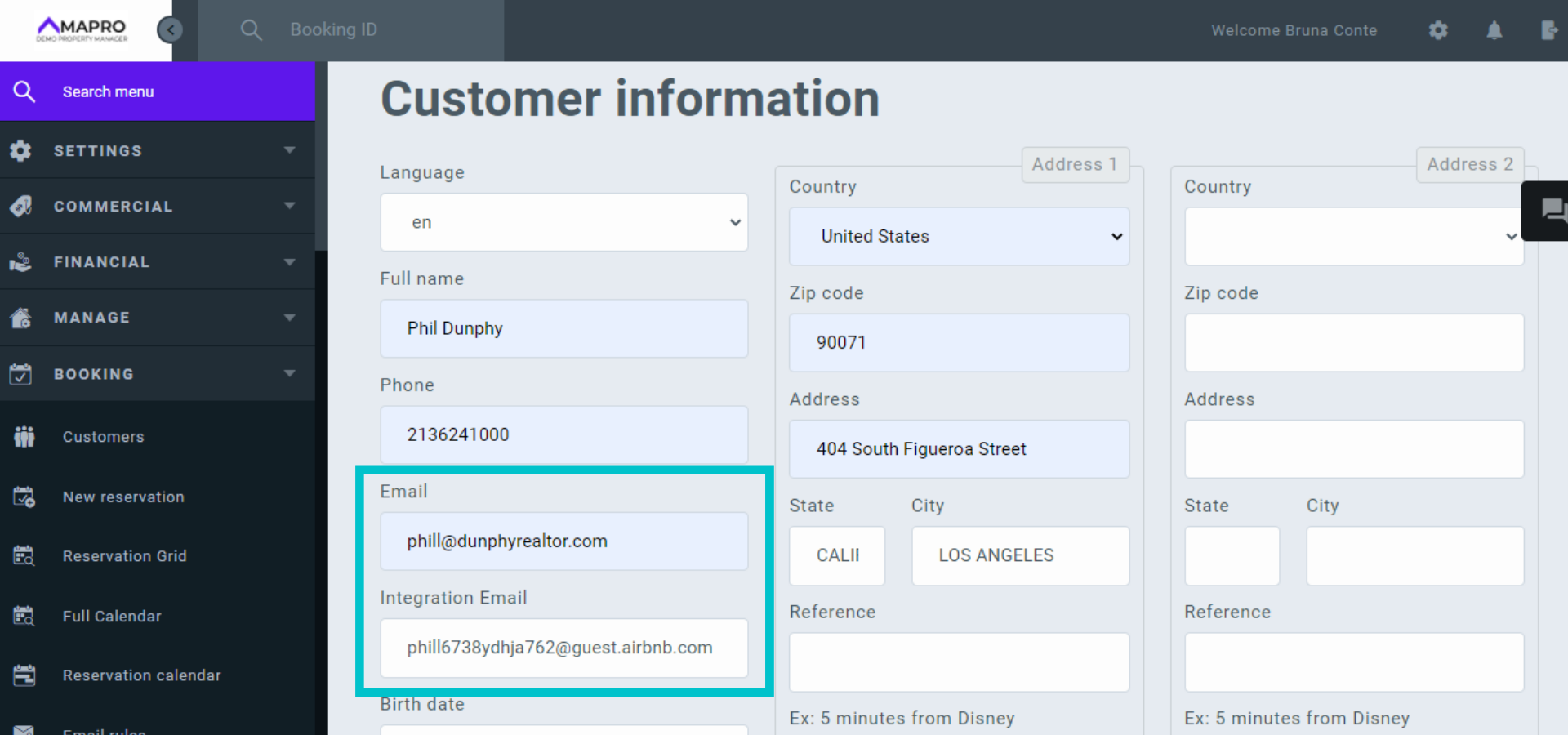
To save the guest's personal email in the reservation and keep it in your database, open the reservation and scroll down to the "Customer Information" section.
Note the field "Integration Email" is filled.
Enter the guest's email address in the "Email" field, and click "Save" at the bottom of the page.
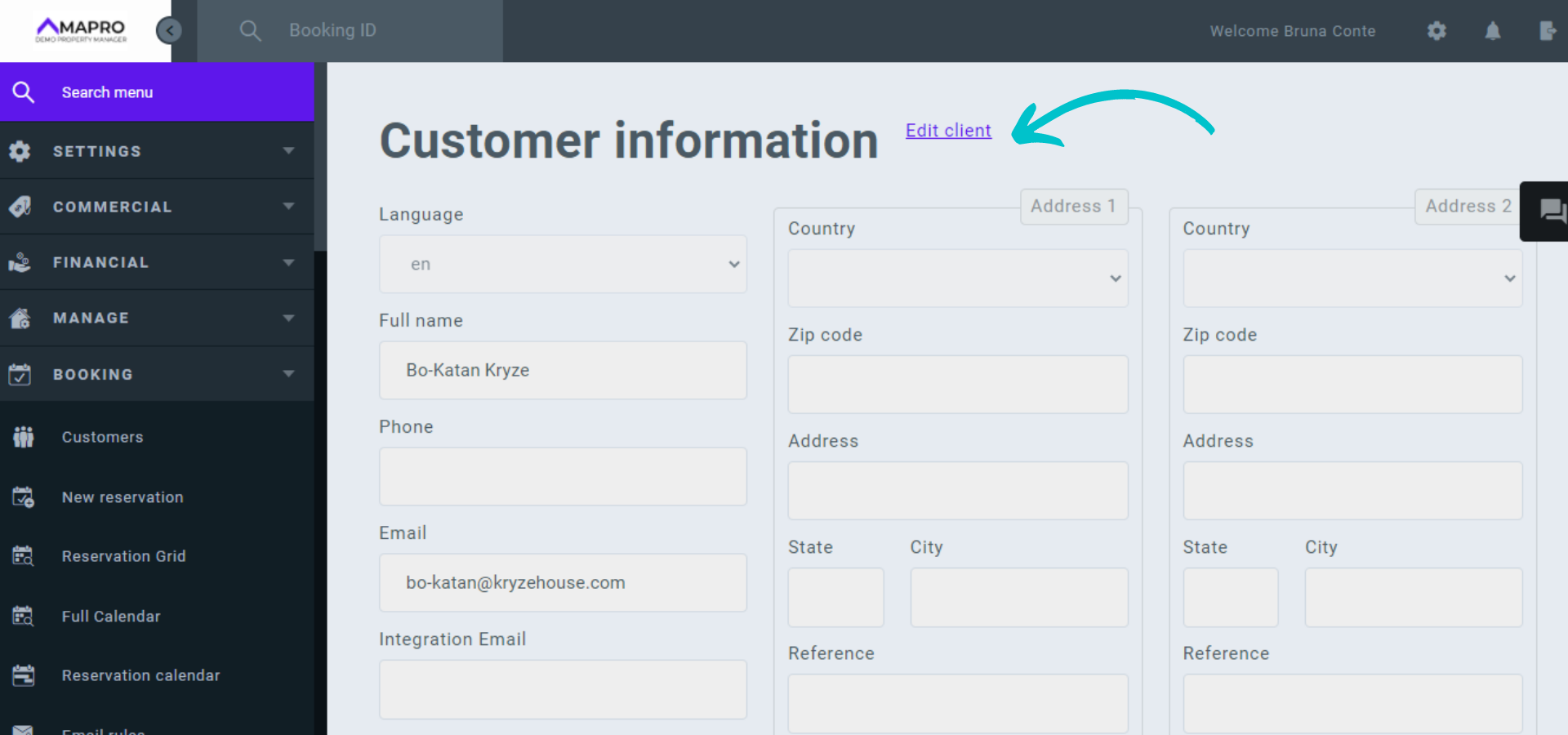
In case the guest has already checked-out, there will be the option "Edit client" in the reservation.
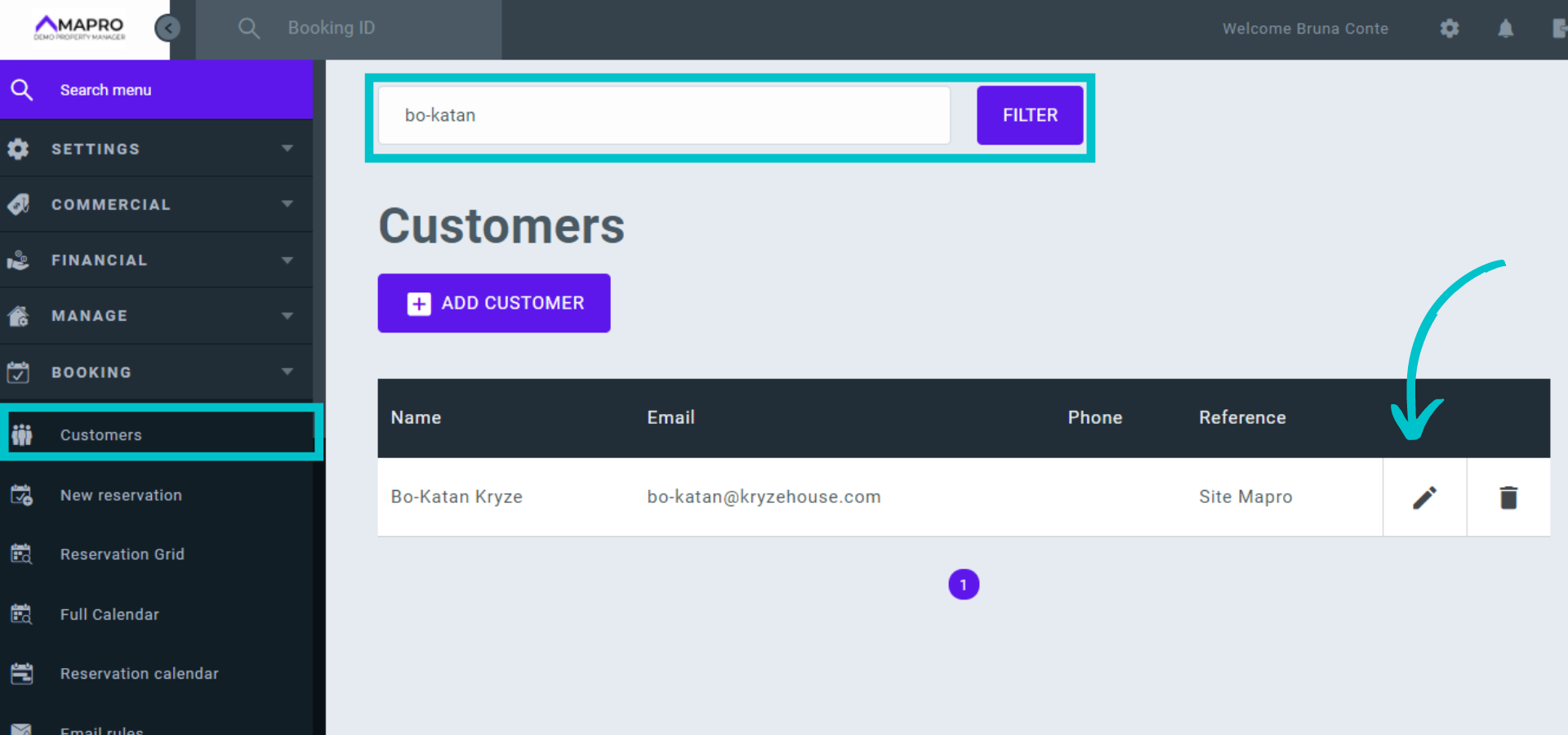
You can also access the customer registration at MENU > BOOKINGS > CUSTOMERS. Type the guest's name in the search field, and then click the pencil icon to open and edit the registration.